
 Image 1 of 1
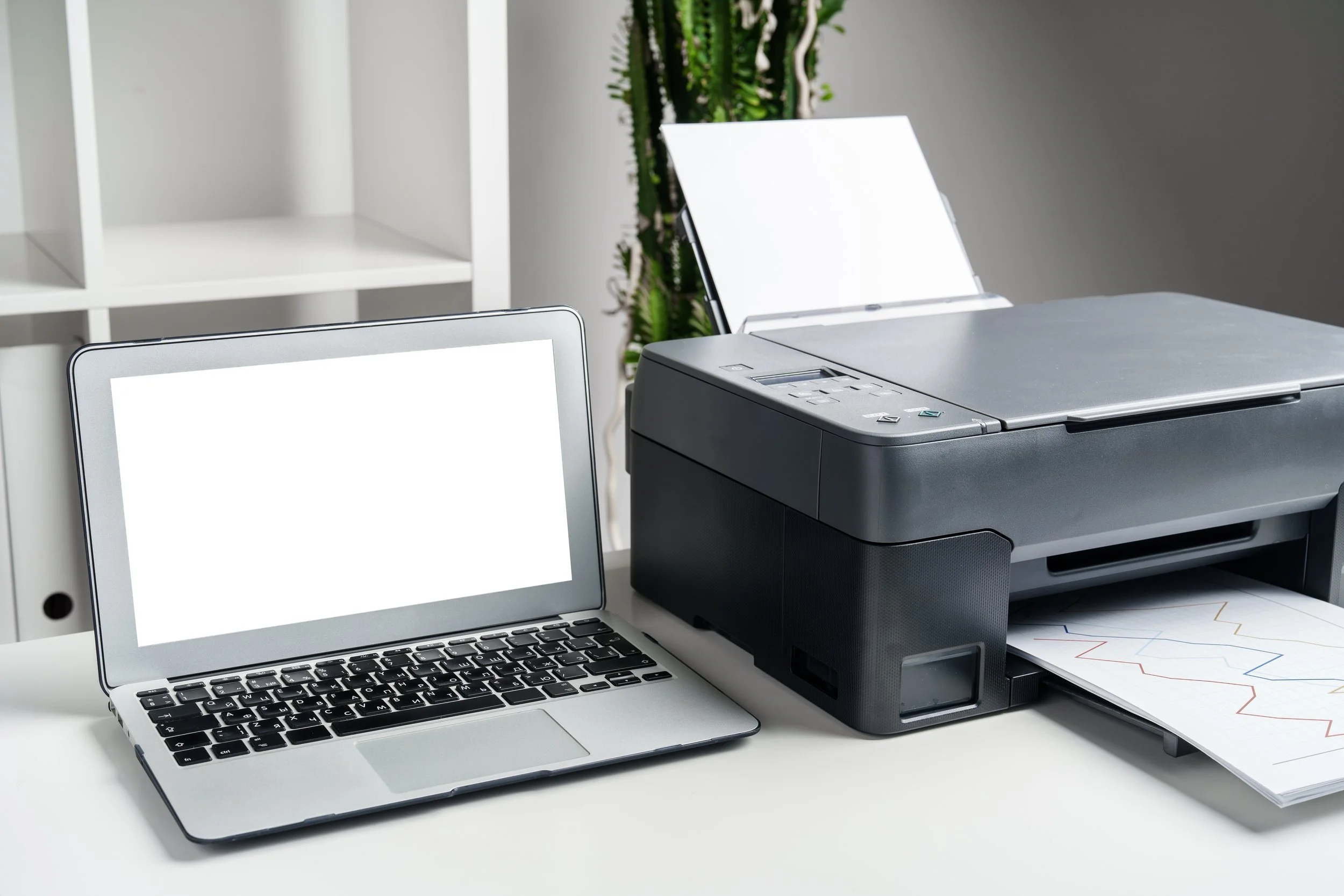
IT fixes include checking power, cables, and Wi-Fi when a printer isn’t working, as well as restarting both the printer and computer or clearing the print queue. For software installation issues, running the installer as an administrator, ensuring there’s enough disk space, and temporarily disabling antivirus can help. Keeping an operating system updated often requires a restart, a stable internet connection, and using built-in troubleshooters if updates fail. Driver issues can usually be resolved by updating drivers through Device Manager or downloading them from the manufacturer’s website. Light data transfers are easily handled using a USB drive or cloud services, compressing large files when needed, and always verifying that files copied successfully.
IT fixes include checking power, cables, and Wi-Fi when a printer isn’t working, as well as restarting both the printer and computer or clearing the print queue. For software installation issues, running the installer as an administrator, ensuring there’s enough disk space, and temporarily disabling antivirus can help. Keeping an operating system updated often requires a restart, a stable internet connection, and using built-in troubleshooters if updates fail. Driver issues can usually be resolved by updating drivers through Device Manager or downloading them from the manufacturer’s website. Light data transfers are easily handled using a USB drive or cloud services, compressing large files when needed, and always verifying that files copied successfully.